How Constellation Works
From discovery to emergency readiness — get your digital life organized and protected in a structured, step-by-step process.
See your whole digital life in one pass
Connect Gmail, Apple Mail, or Outlook and Constellation scans your inbox for the services, subscriptions, and accounts you've signed up for over the years. Add Plaid to pull in bank, brokerage, and retirement accounts. Identity Protection runs a dark web scan to flag exposed credentials. Every scan is private — Gmail uses read-only OAuth, Apple uses an app-specific password held only for the scan, never your inbox content.
- Multi-provider email discovery (Gmail OAuth + Apple/IMAP + Outlook)
- Plaid financial discovery — auto-detect banks, brokerages, retirement accounts
- Run Full Scan — dark-web breach alerts and exposed-credential monitoring
- Confidence-scored matches — review and confirm before anything is added
- Private by design: metadata only, never message content
Catalog everything by category, with executor notes
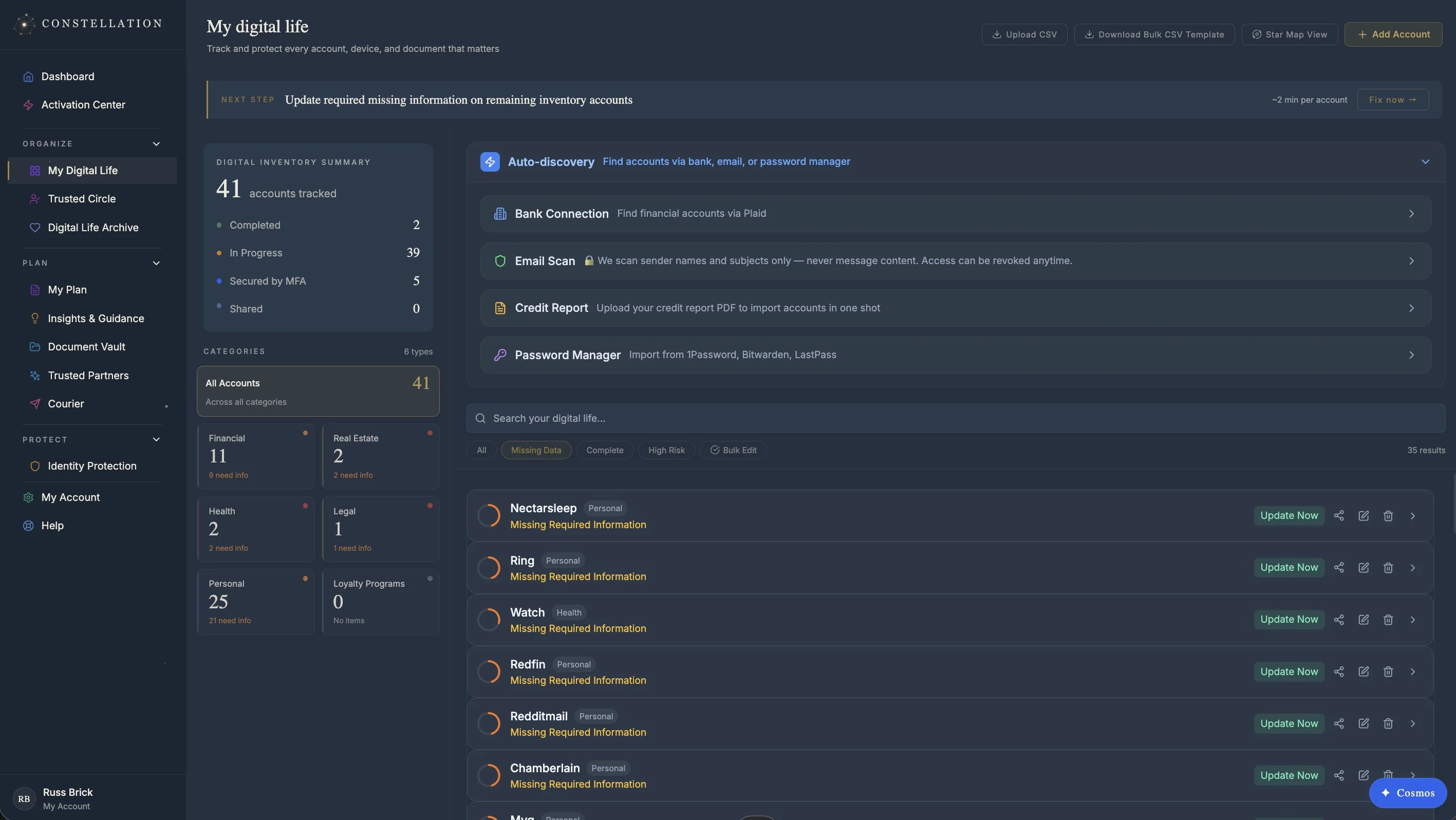
Confirmed services land in your Inventory — organized across 50+ life categories from banking and brokerage to subscriptions, devices, and digital memberships. Add recovery methods, MFA status, and per-account notes for whoever takes over. Encrypted documents (will, POA, healthcare directive, recovery codes) live in the Document Vault with AES-256-GCM per-item keys. A live Readiness Rating shows you exactly what's missing.
- 50+ life categories with auto-classification by service type
- Per-account recovery method, MFA, and executor notes
- Encrypted Document Vault — AES-256-GCM, zero-knowledge
- Memories for Loved Ones — videos, messages, and letters held until activation
- Live Readiness Rating with prioritized next steps
Verified people, defined roles, real protection
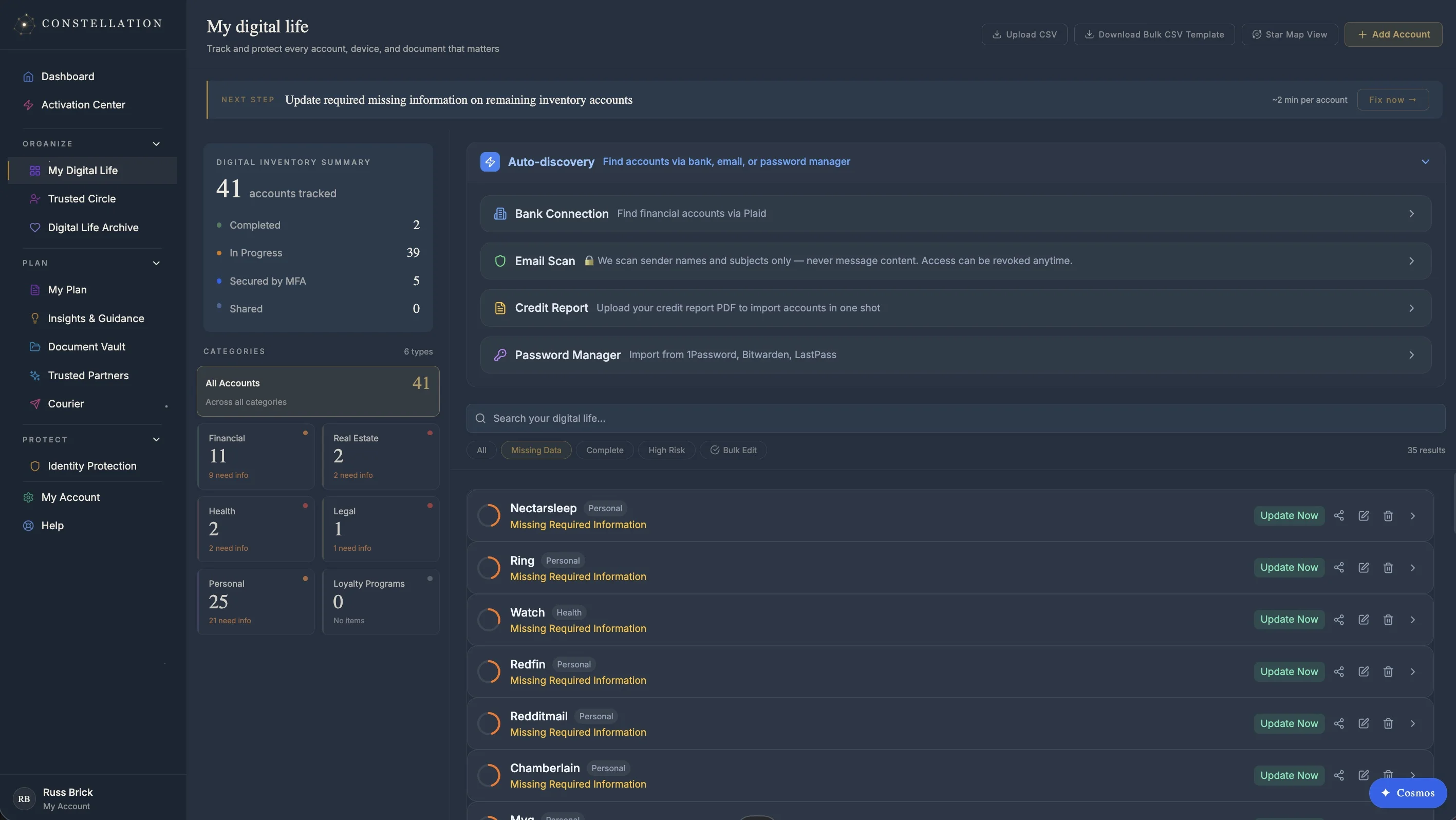
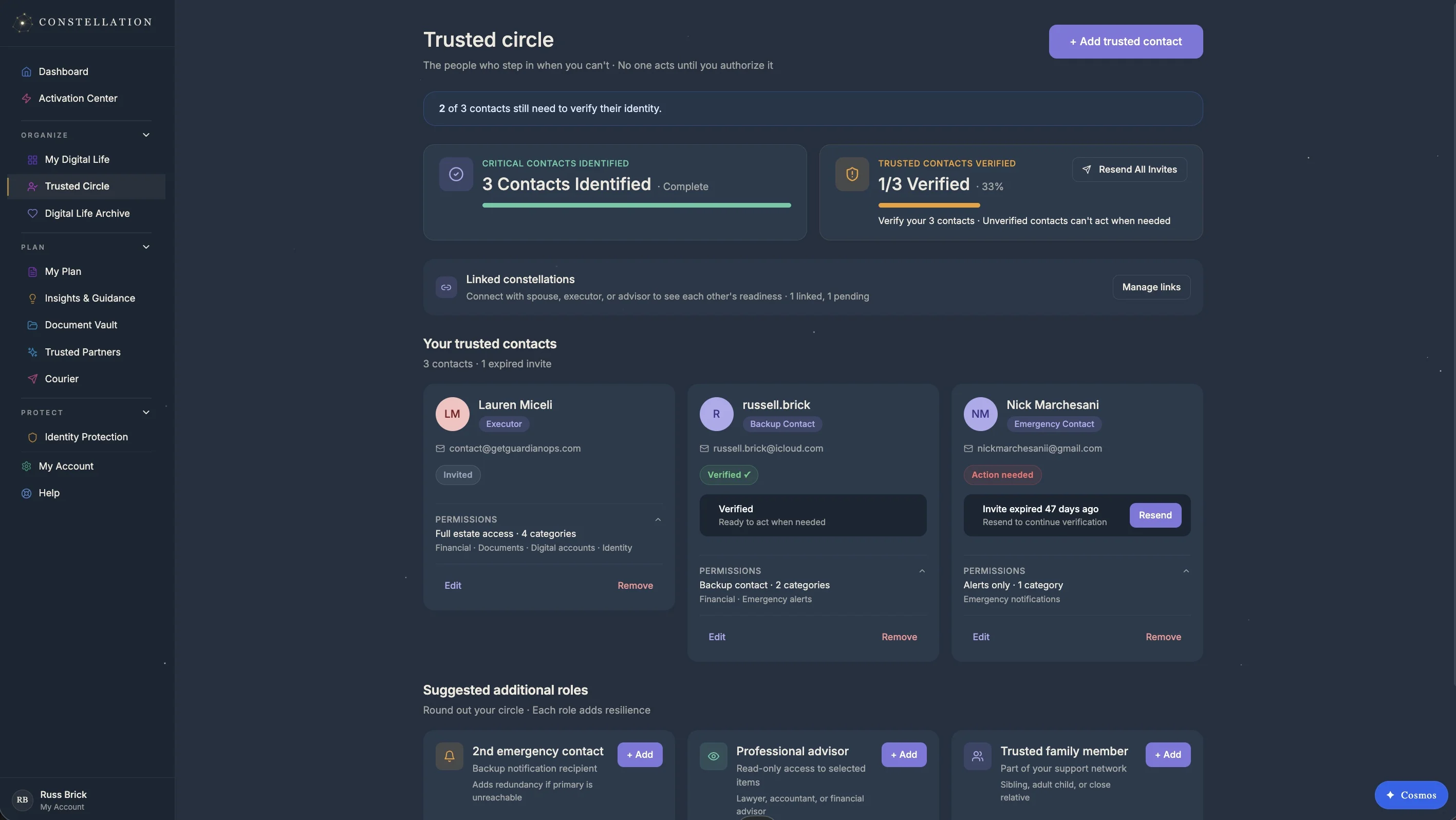
Add your executor, backup, and advisor to your Trusted Circle — each one verifies their identity before they're added, so there are no random email addresses sitting in a will. Give each contact the right scope: full executor access, view-only oversight, or category-specific permissions. Link to family members already on Constellation so updates flow through Linked Constellations without exposing private detail.
- Trusted Circle with executor, backup, and advisor roles
- Identity-verified contacts — no unverified emails in a will
- Per-contact scope and notification preferences
- Linked Constellations — connect with family, keep private data private
- Test runs so contacts know what they'll see at activation
Your executor opens a playbook, not a stack of guesses
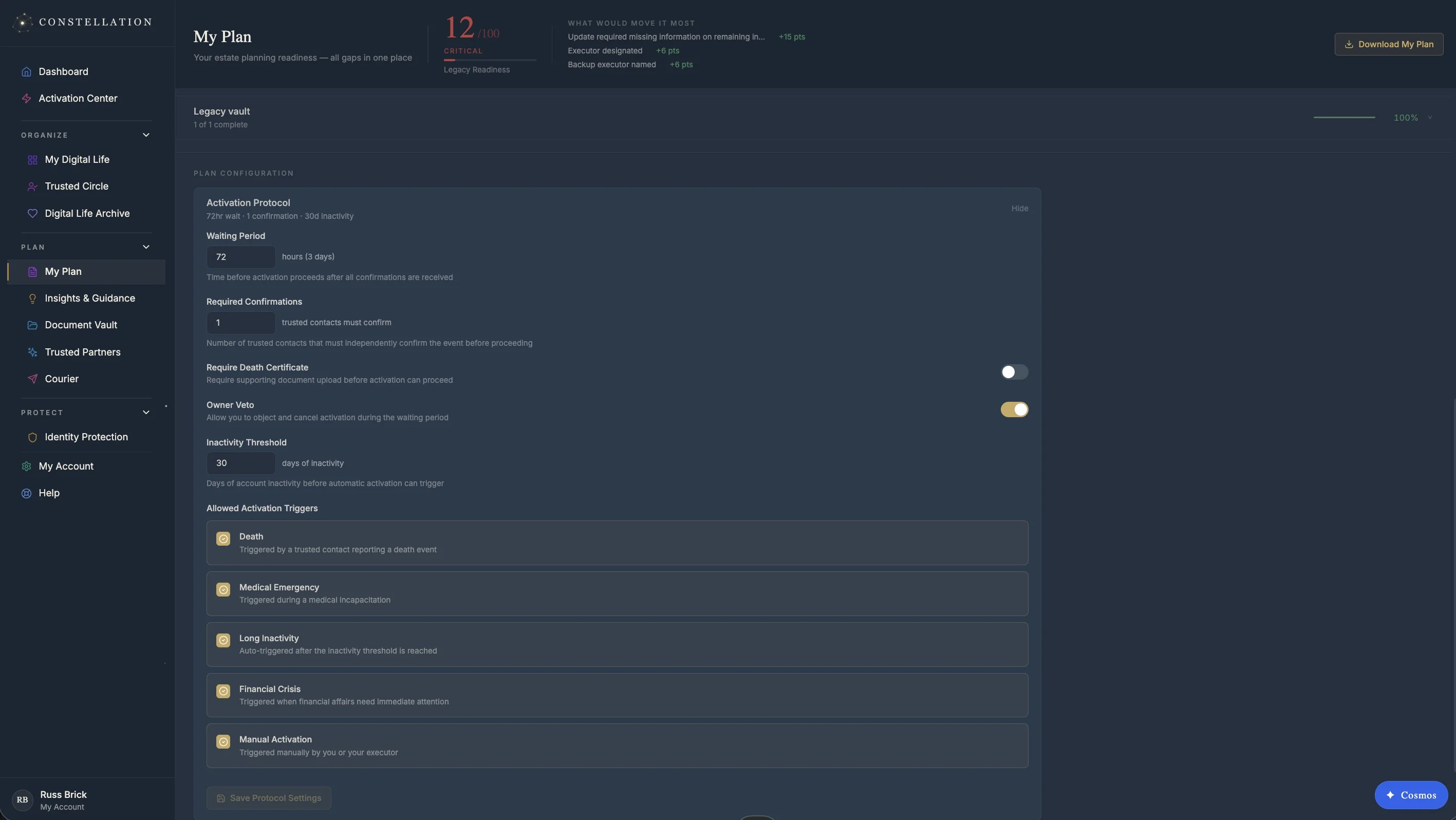
Configure exactly how and when your Trusted Circle gain access — grace periods, required confirmations, owner veto. When the time comes, your executor presents the Estate Card (a private WORD-NNNN-WORD activation code) and opens Mission Control. Houston, the executor's AI copilot, walks them through what to do next: which bank to call, what each institution requires, the right phone number to reach decedent services.
- Configurable grace period — you can override at any time
- Per-role access levels (executor / backup / advisor / view-only)
- Estate Card with private WORD-NNNN-WORD activation code
- Mission Control + Houston — executor command center and AI copilot
- Institution Directory — 110+ banks, brokerages, and registries with decedent-services contact and docs checklist
- State Probate Guides for your executor's state
Constellation on iOS
Your plan, your readiness rating, and your Trusted Circle — in your pocket. Face ID unlock, encrypted on-device storage, and a sign-in-only flow keep your plan safe even if the phone is lost. Sign up on the web; install the app when it lands.